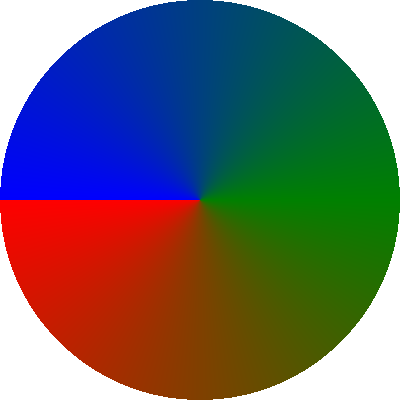
Conical Gradients
- class Conical_Gradient
A specification for linear gradients of colors.
spreadnot applicable to conical gradientsConceptually, the
spreadfeature of other gradients can not be applied to conical gradients because conical gradients are implemented using the polar coordinate system.- preset : str | int | None
An optional preset gradient that has a pre-defined mapping of
colors. Each preset is referenced by name (string) or by index (integer). See the Preset Gradients document for a complete list of supported values (with generated examples).my-layout.yml¶layers: - background: conical_gradient: preset: 84 # or equivalently preset: PhoenixStart center: { x: 600, y: 315 } angle: 27.5
- colors : dict[Annotated[float, FieldInfo(annotation=NoneType, required=True, metadata=[Ge(ge=0.0), Le(le=1.0)])], Color]
A mapping of colors to their corresponding positions in the gradient. Each item in this mapping is composed of
key: valuepairs in which:The
key:is a position at which the color will occur in the gradient. Thisfloatmust be in the range0to1inclusively. More detail about how these positional values are used is described incenterandangle.The
valueis a solid color to use at the specified point in the gradient.
This mapping’s color positions does not have to be in any specific order. If using a
preset, then this mapping will override colors in the preset’s mapping of colors. When neither thepresetorcolorsis specified, this defaults to0.0: blackand1.0: white.my-layout.yml¶layers: - background: conical_gradient: colors: 0.0: red 0.5: green 1.0: blue center: { x: 600, y: 315 } angle: 27.5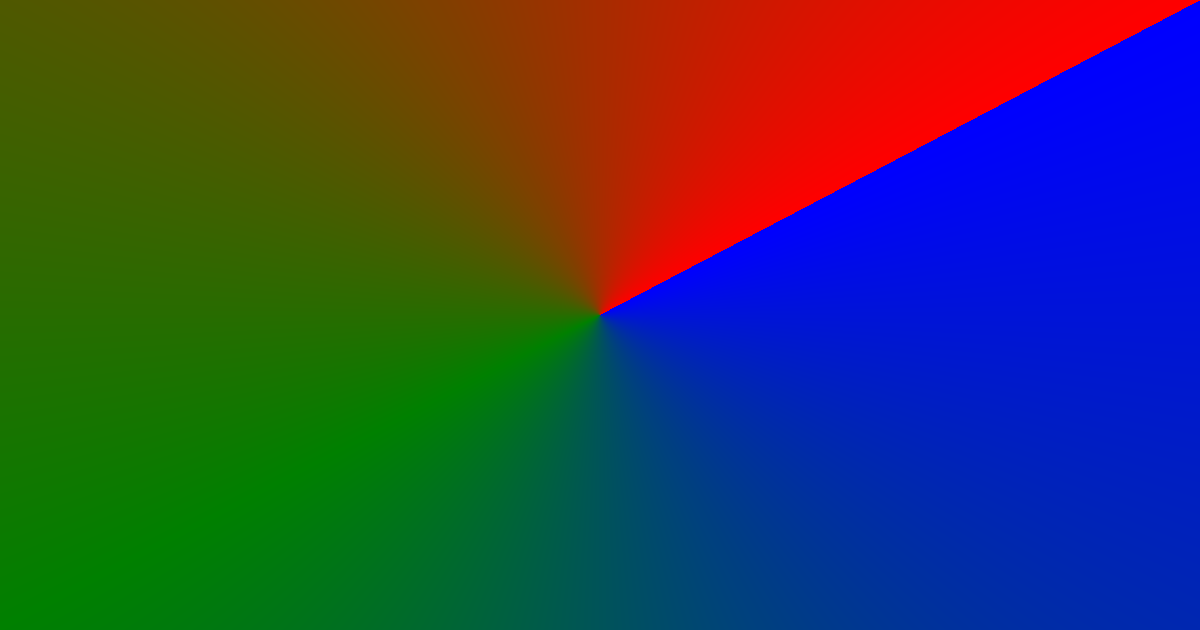
- center : Offset
The starting position (
offset) relative to the layout’soffset(the absolute top-left corner of the card). This offset corresponds to the minimum0.0position in the mapping ofcolors.
- angle : float
The angle of the the line from
centerthe represents the gradient’s start and stop limits. This value (in degrees) is clamped to a value greater than or equal to 0 and less than 360. The angle of origin (0degrees) is located at 3 o’clock and increases counter-clockwise. The scale of listedcolorsbegins at0.0on this line and continues counter-clockwise until ending at1.0on this line.my-layout.yml¶size: { height: 400, width: 400 } layers: - ellipse: conical_gradient: center: { x: 200, y: 200 } angle: -45 colors: 0.0: red 0.5: green 1.0: blue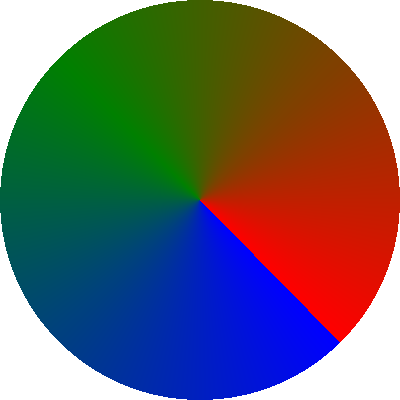 my-layout.yml
size: { height: 400, width: 400 } layers: - ellipse: conical_gradient: center: { x: 200, y: 200 } angle: 0 colors: 0.0: red 0.5: green 1.0: blue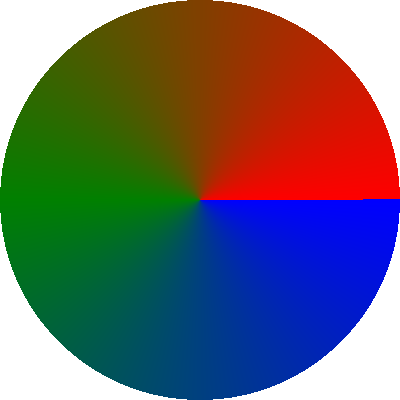 my-layout.yml
size: { height: 400, width: 400 } layers: - ellipse: conical_gradient: center: { x: 200, y: 200 } angle: 45 colors: 0.0: red 0.5: green 1.0: blue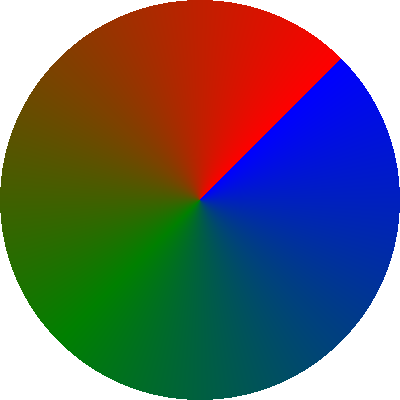 my-layout.yml
size: { height: 400, width: 400 } layers: - ellipse: conical_gradient: center: { x: 200, y: 200 } angle: 180 colors: 0.0: red 0.5: green 1.0: blue